GTA 6 has no first-person mode, but a phone and camera glitch unlocks one on PS5 and Xbox. The exact steps, how to exit, and what breaks inside it.
Published November 20, 2026.
VERIFIED. GTA 6 has no official first-person mode, but a camera glitch unlocks one on PS5 and Xbox: remap one controller button to Camera, open your phone in a car, and put it away while tapping that button. Six outlets have tested the same steps, and the view sticks until you reload, get wasted or walk into a shop.
Does GTA 6 have a first-person mode?
CONFIRMED. Not an official one. Rob Nelson, Rockstar North's co-studio head, confirmed before launch that GTA 6 skips a dedicated first-person mode, because the game was built around a third-person camera. The only first-person moments Rockstar shipped are small ones: looking at your phone, aiming through a weapon scope, and the inspect prompts. The glitch on this page hijacks the phone view, which is why it needs the phone to work.
REPORTED. The method spread from a clip by creator Oneboyler and was shared widely on X within the first day of launch, per TweakTown. It has since been written up and tested by VGC, Pure Xbox, Radio Times, Sportskeeda and HappyGamer, with the same steps on both consoles.
How to do the first-person glitch in GTA 6
VERIFIED. The steps below match across every outlet that tested them. The whole trick is one remapped button and one timed press:
- Make a manual save first. There is no clean toggle back to third person, and reloading that save is the reliable exit. Do not skip this step.
- Remap the button. Open Settings, go to the Controller tab, and change the Touch Pad Button on PS5 (listed under DualSense Wireless Controller Features) or the View Button on Xbox from Map to Camera. The map still lives in the pause menu, so you lose nothing.
- Get into the driver's seat of any vehicle.
- Press Up on the D-Pad to open your phone. The game already shows a first-person view here, with the phone covering part of the screen.
- Put the phone away and tap at the same time. Press Circle on PS5 or B on Xbox to close the phone, and as you do, rapidly tap the Touch Pad or View button.
- Check the camera. If the timing lands in the first frame or two, the phone goes away and the first-person view stays. Get out of the car and you can walk, run and drive in first person. If it does not catch, repeat steps 4 and 5. Most players need a few tries.
How to get back to third person
VERIFIED. There is no button that turns it off, and the normal camera controls will not save you. Every tested exit is a reset: reload the manual save you made before starting, which is the clean way out, or get wasted or busted, which forces the standard camera back. Entering a business whose menu takes over the camera also breaks it, with a hair salon named by both Pure Xbox and Radio Times, and shop menus such as Ammu-Nation or a garage named by VGC. Plan around that list before you start a long session in the view.
What works and what breaks in the glitched view
VERIFIED. Most of the game works inside it. Pure Xbox's own testing had them running around and driving vehicles freely, and the view holds on foot and behind the wheel once it catches. REPORTED. Some animations and items do not function properly up close, and any menu that changes the camera's perspective can snap you back to third person without warning. Read it as what it looks like: a work-in-progress camera that was never meant to be switched on, not a finished mode with rough edges.
Rockstar has not commented on the glitch
CONFIRMED. Rockstar has said nothing about the glitch since players found it, and Nelson's pre-launch position, a third-person game with no dedicated first-person mode, is still the company's only word on the subject. NOT CONFIRMED. That a patch will remove the glitch, or that an official first-person mode is coming. REPORTED. GTA 5 followed the second path, adding a first-person mode after its original launch, which is why players are watching this one. OUR TAKE. If you want clips of Leonida through Jason's eyes, record them now, while the glitch is confirmed working.
Frequently Asked Questions
Is there a first-person mode in GTA 6?
CONFIRMED. No official one. Rockstar North co-studio head Rob Nelson confirmed GTA 6 was built around a third-person camera and skips a dedicated first-person mode at launch. VERIFIED. A camera glitch using the in-game phone unlocks a first-person view anyway, and the steps on this page are the tested ones.
How do you do the first-person glitch in GTA 6?
VERIFIED. Set the Touch Pad Button on PS5 or the View Button on Xbox to Camera in Settings, Controller. Sit in a driver's seat, open your phone with Up on the D-Pad, then close it with Circle or B while rapidly tapping that button. Timed right, the phone goes away and the first-person view stays; most players need a few tries.
How do you turn off first person in GTA 6?
VERIFIED. You cannot toggle it off. The tested exits are reloading a manual save, getting wasted or busted, or entering a business whose menu takes over the camera, such as a hair salon. Make a manual save before you try the glitch so the reload exit is always there.
Is the first-person glitch safe to use in GTA 6?
OUR TAKE. It is a story mode camera trick, and no outlet testing it has reported a ban, a corrupted save or lost progress. The only real risk is being stuck in the view mid-session, which the manual save in step one removes entirely. Use the save, then experiment freely.
Will Rockstar add an official first-person mode to GTA 6?
NOT CONFIRMED. Rockstar has not announced one and has not commented on the glitch. REPORTED. GTA 5 added a first-person mode after its original launch, so the precedent exists, but nothing about GTA 6's version has been promised or dated by Rockstar.
Also worth your time
GTA 6 Car Theft System: Full Confirmed Breakdown
GTA 6 Money Systems: Cash, BuckMe and Duffel Loot
Keep Stacking
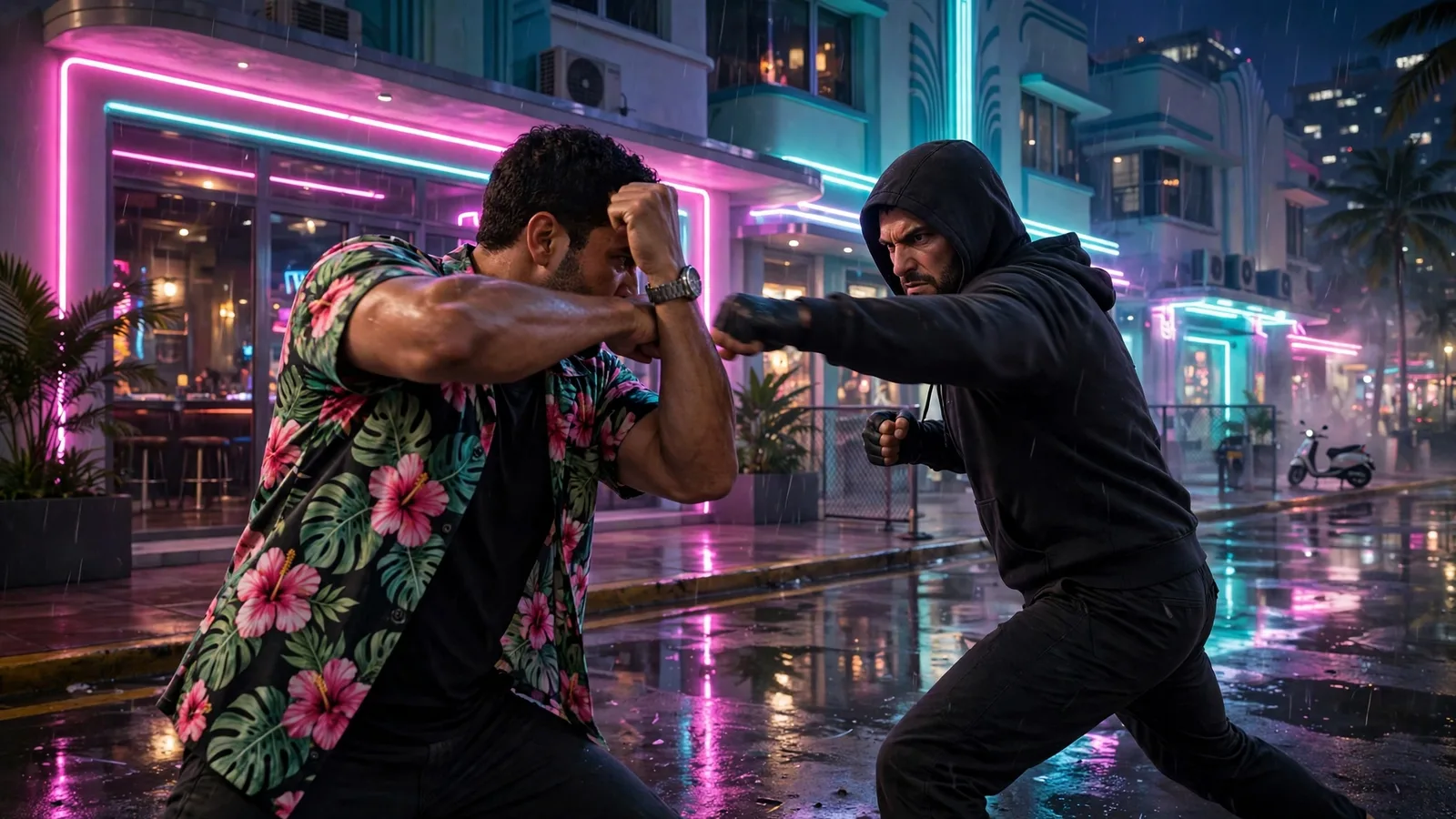
GTA 6 Combat Controls: Block, Counter, Takedown
Every GTA 6 combat and stealth button: melee, block, the counter timing, grapples, cover, crouch, stealth takedowns, whistles and hiding in cars.
Read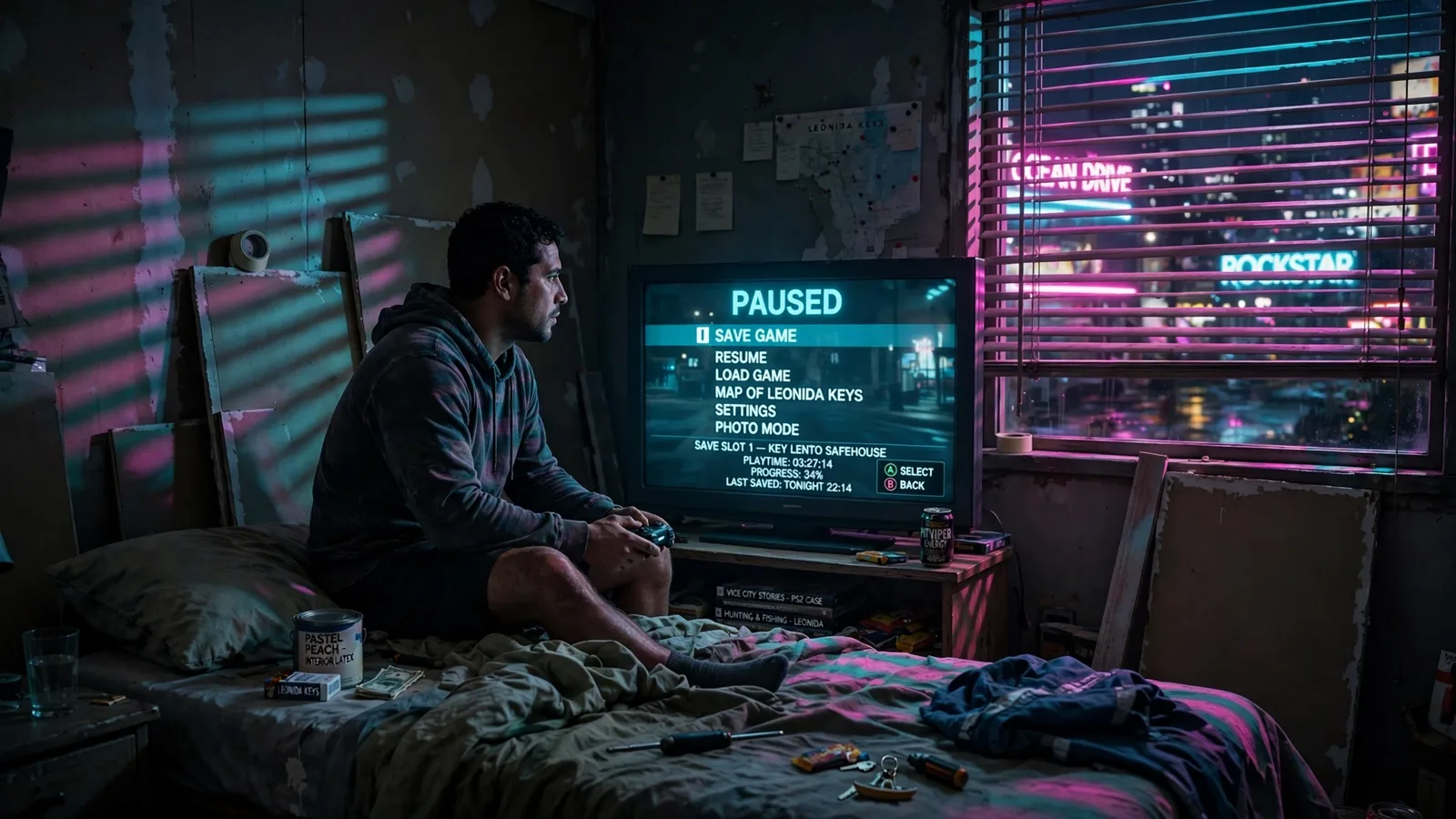
How to Save in GTA 6: Manual Saves and Autosave
GTA 6 gives you 15 manual save slots and one autosave that usually fires only at the end of a mission. Here is how saving works, and how crashes eat hours.
Read
GTA 6 Smash 'n' Grab Locations: All 35 Payouts
All 35 Smash 'n' Grab stores in GTA 6, checked: every pawn shop and jewelry store payout range, the county totals, and the $251,500 to $582,000 full round.
Members only information inside
ReadFree Download
Get the Free Playbook
Every money method, payout and patch, checked by Vice City Hustle and sent to you first.
Join the Conversation
Log in or create a free account to like, reply, and post your own takes. You can keep reading every comment either way.